New Cars
 Used Cars
 Rentals
 Boats
Boats Motorbike
 Utility
 Services
 News & Review
Never Miss the Right Vehicle: Set Up Email Alerts
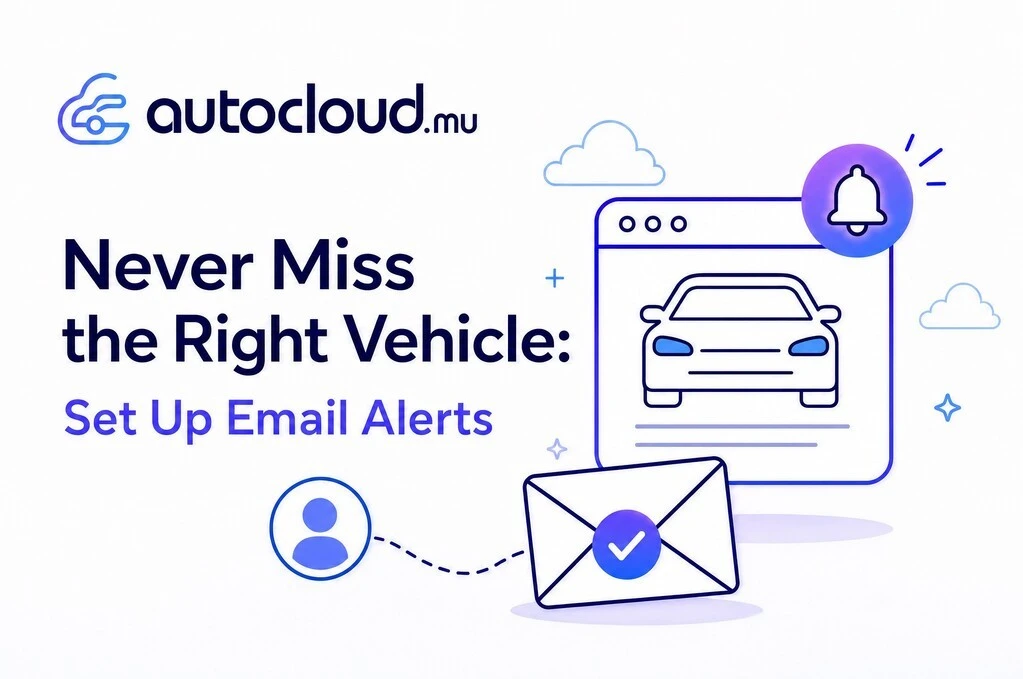
New listings are added to AutoCloud.mu every day, and the good ones often go fast. Email Alerts do the searching for you. Tell us what you are after once, whether that is a car, motorbike, utility vehicle or boat, and we will email you the moment a matching listing lands on the site. Here is how to set one up in under a minute.
Step 1: Search for your ideal vehicle
Browse to the listings and use the Filters panel on the left to describe exactly what you want. Start by choosing your category, then narrow things down by make, price range, year, mileage and condition. If you want to get more granular, open More Filters for extra options. The more specific you are, the more useful your alerts will be.
Step 2: Click Create Email Alert
Once your results look right, click the Create Email Alert button at the top of the listings. That is it. AutoCloud saves your search criteria and confirms with a quick message: "Your search has been successfully set up!"
Step 3: Let the deals come to you
From now on, whenever a vehicle matching your search is listed, it lands straight in your inbox. No need to keep checking back or refreshing the page. You will be among the first to know, which matters when the right vehicle appears at the right price.
Managing your alerts
You can create as many alerts as you like, for different categories, makes or budgets. To view, edit or remove them, open My Account and go to Favorites and alerts, where all your saved searches live in one place.
Ready to get started?
Set up your first Email Alert today and let AutoCloud.mu bring your next vehicle to you. Happy hunting.
More Articles
![Driving Under Curfew: A Practical Guide for Mauritian Motorists]()
Driving Under Curfew: A Practical Guide for Mauritian Motorists
A curfew changes the rhythm of daily life almost overnight. For anyone who relies on a car to get to ...Read more![Is Your Car Covered If It's Damaged in a Riot?]()
Is Your Car Covered If It's Damaged in a Riot?
Monday night's unrest on 12 October left more than broken glass behind. Vehicles were set alight in Barkly and elsewhere, and ...Read more![Roads Open, Buses Off: What Last Night's Unrest Means for Motorists]()
Roads Open, Buses Off: What Last Night's Unrest Means for ...
Mauritius woke up on Tuesday 13 October to closed schools, a silent Metro Express and buses parked in their depots. After ...Read more